

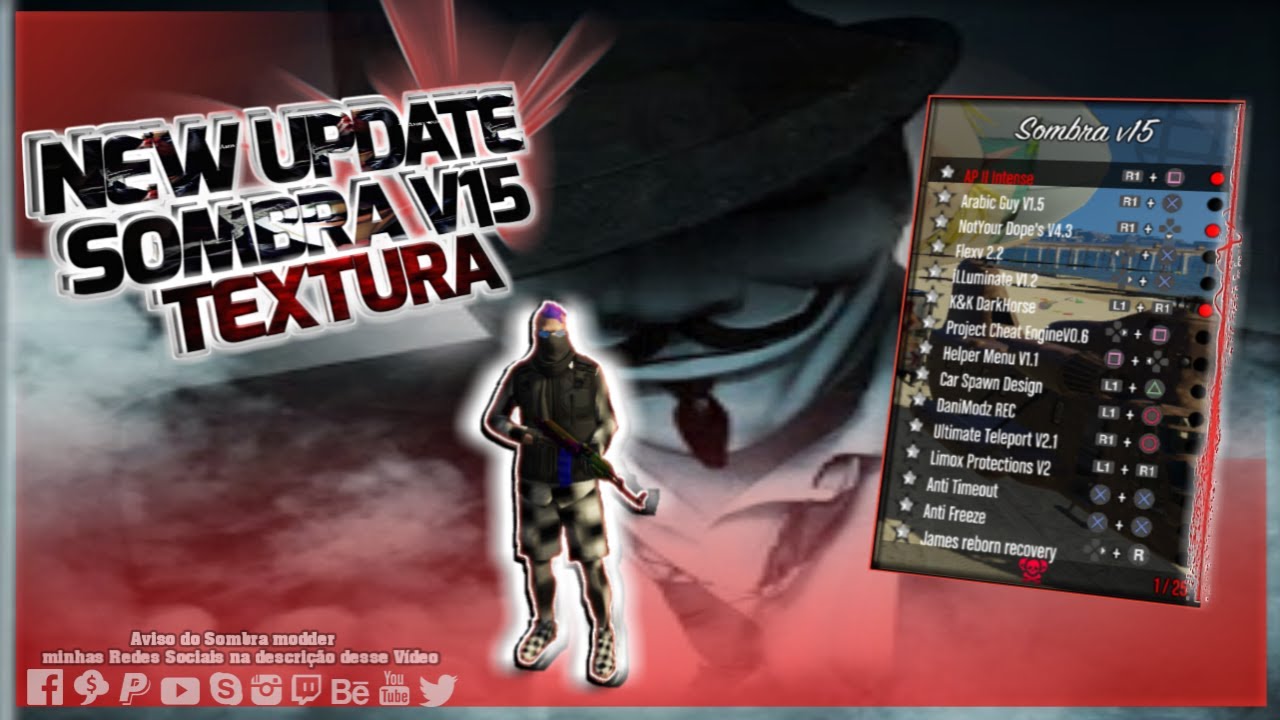
PS3 Modloader Sombra v15 (shadow v15) ant frezze 1.27/1.28

  • Hello Guest! Welcome to ConsoleCrunch, to help support our site check out the premium upgrades HERE! to get exclusive access to our hidden content.
  • Unable to load portions of the website...
    If you use an ad blocker addon, you should disable it because it interferes with several elements of the site and blocks more than just adverts.
  • Read Rules Before Posting Post Virus Scans with every program.

Douglas Oliveira

Public Legend
Retired Staff
Local Legend
Local Hero
Local Celebrity
Community Elite
Community Veteran
Determined Poster
Active Member
Console ID Poster
Jun 5, 2015
3,915
7,550
1,268
Brasil
​
maxresdefault.jpg

maxresdefault.jpg

******* HOW TO INSTALL MOD MENU ***********
1. Download update.RPF
2. On your ps3 open MultiMan
3. On Computer Download Filezilla and place in Filezila the IP of your PS3 to gain access to the game folders.
4. Go to this path: / dev_hdd0 / game / BLES01807 / USRDIR /
5. Change the update.RPF file by update .RPF (downloaded)
6. Now just play!

Open menu R1+L3
[HIDE]Link
[/HIDE]

​
 
maxresdefault.jpg

maxresdefault.jpg

******* HOW TO INSTALL MOD MENU ***********
1. Download update.RPF
2. On your ps3 open MultiMan
3. On Computer Download Filezilla and place in Filezila the IP of your PS3 to gain access to the game folders.
4. Go to this path: / dev_hdd0 / game / BLES01807 / USRDIR /
5. Change the update.RPF file by update .RPF (downloaded)
6. Now just play!

Open menu R1+L3
***Hidden content cannot be quoted.***

​
nice post bro good job
 
maxresdefault.jpg

maxresdefault.jpg

******* HOW TO INSTALL MOD MENU ***********
1. Download update.RPF
2. On your ps3 open MultiMan
3. On Computer Download Filezilla and place in Filezila the IP of your PS3 to gain access to the game folders.
4. Go to this path: / dev_hdd0 / game / BLES01807 / USRDIR /
5. Change the update.RPF file by update .RPF (downloaded)
6. Now just play!

Open menu R1+L3
***Hidden content cannot be quoted.***

​
Great post m8
 
  • Like
Reactions: Douglas Oliveira
maxresdefault.jpg

maxresdefault.jpg

******* HOW TO INSTALL MOD MENU ***********
1. Download update.RPF
2. On your ps3 open MultiMan
3. On Computer Download Filezilla and place in Filezila the IP of your PS3 to gain access to the game folders.
4. Go to this path: / dev_hdd0 / game / BLES01807 / USRDIR /
5. Change the update.RPF file by update .RPF (downloaded)
6. Now just play!

Open menu R1+L3
***Hidden content cannot be quoted.***

​
Thanks
 
maxresdefault.jpg

maxresdefault.jpg

******* HOW TO INSTALL MOD MENU ***********
1. Download update.RPF
2. On your ps3 open MultiMan
3. On Computer Download Filezilla and place in Filezila the IP of your PS3 to gain access to the game folders.
4. Go to this path: / dev_hdd0 / game / BLES01807 / USRDIR /
5. Change the update.RPF file by update .RPF (downloaded)
6. Now just play!

Open menu R1+L3
***Hidden content cannot be quoted.***

​
Thanks
 
maxresdefault.jpg

maxresdefault.jpg

******* HOW TO INSTALL MOD MENU ***********
1. Download update.RPF
2. On your ps3 open MultiMan
3. On Computer Download Filezilla and place in Filezila the IP of your PS3 to gain access to the game folders.
4. Go to this path: / dev_hdd0 / game / BLES01807 / USRDIR /
5. Change the update.RPF file by update .RPF (downloaded)
6. Now just play!

Open menu R1+L3
***Hidden content cannot be quoted.***

​
yah yeet vey help full
 
Thanks
maxresdefault.jpg

maxresdefault.jpg

******* HOW TO INSTALL MOD MENU ***********
1. Download update.RPF
2. On your ps3 open MultiMan
3. On Computer Download Filezilla and place in Filezila the IP of your PS3 to gain access to the game folders.
4. Go to this path: / dev_hdd0 / game / BLES01807 / USRDIR /
5. Change the update.RPF file by update .RPF (downloaded)
6. Now just play!

Open menu R1+L3
***Hidden content cannot be quoted.***

​
 
maxresdefault.jpg

maxresdefault.jpg

******* HOW TO INSTALL MOD MENU ***********
1. Download update.RPF
2. On your ps3 open MultiMan
3. On Computer Download Filezilla and place in Filezila the IP of your PS3 to gain access to the game folders.
4. Go to this path: / dev_hdd0 / game / BLES01807 / USRDIR /
5. Change the update.RPF file by update .RPF (downloaded)
6. Now just play!

Open menu R1+L3
***Hidden content cannot be quoted.***

​
Sweet.
 
maxresdefault.jpg

maxresdefault.jpg

******* HOW TO INSTALL MOD MENU ***********
1. Download update.RPF
2. On your ps3 open MultiMan
3. On Computer Download Filezilla and place in Filezila the IP of your PS3 to gain access to the game folders.
4. Go to this path: / dev_hdd0 / game / BLES01807 / USRDIR /
5. Change the update.RPF file by update .RPF (downloaded)
6. Now just play!

Open menu R1+L3
***Hidden content cannot be quoted.***

​
thanks
 
maxresdefault.jpg

maxresdefault.jpg

******* HOW TO INSTALL MOD MENU ***********
1. Download update.RPF
2. On your ps3 open MultiMan
3. On Computer Download Filezilla and place in Filezila the IP of your PS3 to gain access to the game folders.
4. Go to this path: / dev_hdd0 / game / BLES01807 / USRDIR /
5. Change the update.RPF file by update .RPF (downloaded)
6. Now just play!

Open menu R1+L3
***Hidden content cannot be quoted.***

​
nicee
 
maxresdefault.jpg

maxresdefault.jpg

******* HOW TO INSTALL MOD MENU ***********
1. Download update.RPF
2. On your ps3 open MultiMan
3. On Computer Download Filezilla and place in Filezila the IP of your PS3 to gain access to the game folders.
4. Go to this path: / dev_hdd0 / game / BLES01807 / USRDIR /
5. Change the update.RPF file by update .RPF (downloaded)
6. Now just play!

Open menu R1+L3
***Hidden content cannot be quoted.***

​
Hope it doesnt freeze
 
maxresdefault.jpg

maxresdefault.jpg

******* HOW TO INSTALL MOD MENU ***********
1. Download update.RPF
2. On your ps3 open MultiMan
3. On Computer Download Filezilla and place in Filezila the IP of your PS3 to gain access to the game folders.
4. Go to this path: / dev_hdd0 / game / BLES01807 / USRDIR /
5. Change the update.RPF file by update .RPF (downloaded)
6. Now just play!

Open menu R1+L3
***Hidden content cannot be quoted.***

​
Thanks! Will try this soon!
 
General chit-chat
Help Users
  • No one is chatting at the moment.
  • Chat Bot:
    7789win01comm is our newest member. Welcome!
  • @ lurch6661:
    zap zap on the attack no rules no bars cuuting no slack lurch rap lol
  • Chat Bot:
    Jacket0106 is our newest member. Welcome!
  • Chat Bot:
    llwinio is our newest member. Welcome!
  • Chat Bot:
    sc88bncom8 is our newest member. Welcome!
  • Chat Bot:
    keonhacaipluss is our newest member. Welcome!
  • Chat Bot:
    toster is our newest member. Welcome!
  • Chat Bot:
    keobongdanl2 is our newest member. Welcome!
  • Chat Bot:
    lfnando is our newest member. Welcome!
  • Chat Bot:
    b33institute is our newest member. Welcome!
  • Chat Bot:
    QM|T has joined the room.
  • Chat Bot:
    keobongdanl0 is our newest member. Welcome!
  • Chat Bot:
    sc88tylekeonhann is our newest member. Welcome!
  • Chat Bot:
    h119999com1 is our newest member. Welcome!
  • Chat Bot:
    sc88tuyensinhnganhan1 is our newest member. Welcome!
  • Chat Bot:
    keonhacaiplus2 is our newest member. Welcome!
  • Chat Bot:
    keonhacaijpnet0 is our newest member. Welcome!
  • Chat Bot:
    QM|T has joined the room.
  • Chat Bot:
    keonhacaiplusss is our newest member. Welcome!
  • Chat Bot:
    keonhacai5mom is our newest member. Welcome!
  • Chat Bot:
    uu88apporg2 is our newest member. Welcome!
  • Chat Bot:
    b33help is our newest member. Welcome!
  • Chat Bot:
    QM|T has joined the room.
  • Chat Bot:
    8xbetcomworld3 is our newest member. Welcome!
      Chat Bot: 8xbetcomworld3 is our newest member. Welcome!