

PS3 Modloader Sombra v15 (shadow v15) ant frezze 1.27/1.28

  • Hello Guest! Welcome to ConsoleCrunch, to help support our site check out the premium upgrades HERE! to get exclusive access to our hidden content.
  • Unable to load portions of the website...
    If you use an ad blocker addon, you should disable it because it interferes with several elements of the site and blocks more than just adverts.
  • Read Rules Before Posting Post Virus Scans with every program.
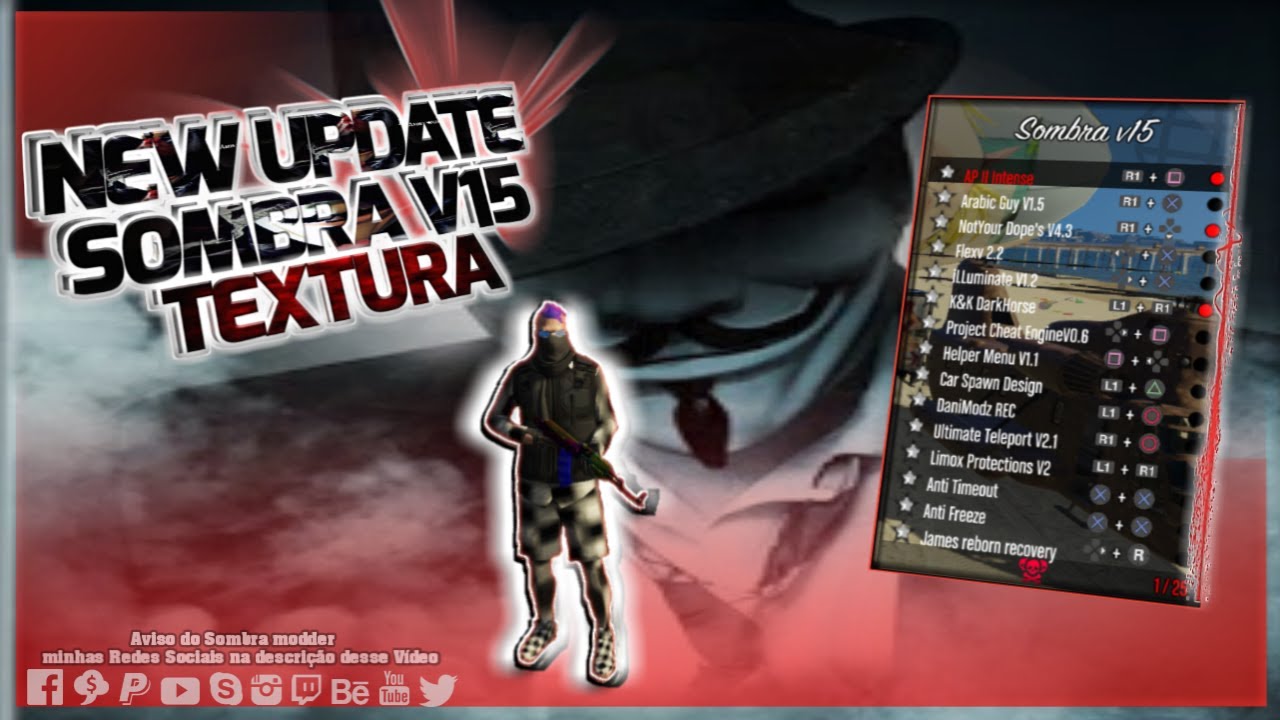
maxresdefault.jpg

maxresdefault.jpg

******* HOW TO INSTALL MOD MENU ***********
1. Download update.RPF
2. On your ps3 open MultiMan
3. On Computer Download Filezilla and place in Filezila the IP of your PS3 to gain access to the game folders.
4. Go to this path: / dev_hdd0 / game / BLES01807 / USRDIR /
5. Change the update.RPF file by update .RPF (downloaded)
6. Now just play!

Open menu R1+L3
***Hidden content cannot be quoted.***

Nice dude
 
maxresdefault.jpg

maxresdefault.jpg

******* HOW TO INSTALL MOD MENU ***********
1. Download update.RPF
2. On your ps3 open MultiMan
3. On Computer Download Filezilla and place in Filezila the IP of your PS3 to gain access to the game folders.
4. Go to this path: / dev_hdd0 / game / BLES01807 / USRDIR /
5. Change the update.RPF file by update .RPF (downloaded)
6. Now just play!

Open menu R1+L3
***Hidden content cannot be quoted.***

thank you
 
maxresdefault.jpg

maxresdefault.jpg

******* HOW TO INSTALL MOD MENU ***********
1. Download update.RPF
2. On your ps3 open MultiMan
3. On Computer Download Filezilla and place in Filezila the IP of your PS3 to gain access to the game folders.
4. Go to this path: / dev_hdd0 / game / BLES01807 / USRDIR /
5. Change the update.RPF file by update .RPF (downloaded)
6. Now just play!

Open menu R1+L3
***Hidden content cannot be quoted.***

hiiiiiiiiiiiiiiiiiiiiiiiii
 
maxresdefault.jpg

maxresdefault.jpg

******* HOW TO INSTALL MOD MENU ***********
1. Download update.RPF
2. On your ps3 open MultiMan
3. On Computer Download Filezilla and place in Filezila the IP of your PS3 to gain access to the game folders.
4. Go to this path: / dev_hdd0 / game / BLES01807 / USRDIR /
5. Change the update.RPF file by update .RPF (downloaded)
6. Now just play!

Open menu R1+L3
***Hidden content cannot be quoted.***

thank you
 
maxresdefault.jpg

maxresdefault.jpg

******* HOW TO INSTALL MOD MENU ***********
1. Download update.RPF
2. On your ps3 open MultiMan
3. On Computer Download Filezilla and place in Filezila the IP of your PS3 to gain access to the game folders.
4. Go to this path: / dev_hdd0 / game / BLES01807 / USRDIR /
5. Change the update.RPF file by update .RPF (downloaded)
6. Now just play!

Open menu R1+L3
***Hidden content cannot be quoted.***

eyyy thanks guy
 
maxresdefault.jpg

maxresdefault.jpg

******* HOW TO INSTALL MOD MENU ***********
1. Download update.RPF
2. On your ps3 open MultiMan
3. On Computer Download Filezilla and place in Filezila the IP of your PS3 to gain access to the game folders.
4. Go to this path: / dev_hdd0 / game / BLES01807 / USRDIR /
5. Change the update.RPF file by update .RPF (downloaded)
6. Now just play!

Open menu R1+L3
***Hidden content cannot be quoted.***

Hoping to extract some good old script menus from that one
 
maxresdefault.jpg

maxresdefault.jpg

******* HOW TO INSTALL MOD MENU ***********
1. Download update.RPF
2. On your ps3 open MultiMan
3. On Computer Download Filezilla and place in Filezila the IP of your PS3 to gain access to the game folders.
4. Go to this path: / dev_hdd0 / game / BLES01807 / USRDIR /
5. Change the update.RPF file by update .RPF (downloaded)
6. Now just play!

Open menu R1+L3
***Hidden content cannot be quoted.***

Sweeet for does it works om rebug 4.85CEX?
 
nice post
maxresdefault.jpg

maxresdefault.jpg

******* HOW TO INSTALL MOD MENU ***********
1. Download update.RPF
2. On your ps3 open MultiMan
3. On Computer Download Filezilla and place in Filezila the IP of your PS3 to gain access to the game folders.
4. Go to this path: / dev_hdd0 / game / BLES01807 / USRDIR /
5. Change the update.RPF file by update .RPF (downloaded)
6. Now just play!

Open menu R1+L3
***Hidden content cannot be quoted.***

 
General chit-chat
Help Users
  • Chat Bot:
    KzVTz is our newest member. Welcome!
  • @ KzVTz:
    Thanks my brother
  • Chat Bot:
    Jimmy123098 is our newest member. Welcome!
  • Chat Bot:
    Christo has joined the room.
  • Chat Bot:
    joseillo is our newest member. Welcome!
  • Chat Bot:
    IXxKakarotxXI is our newest member. Welcome!
  • Chat Bot:
    QM|T has joined the room.
  • Chat Bot:
    VitalMix is our newest member. Welcome!
  • @ Fretyeco192321:
    Went to that store for a XBOX 360 was 1 Hour late so I did not get the XBOX 360 -_-
  • @ Fretyeco192321:
    oh well my offline XBOX 360 emulator will do for now Family Guy Back To The MultiVerse & NBA Street HomeCourt here I come
  • Chat Bot:
    hittclubhncom is our newest member. Welcome!
  • Chat Bot:
    thapcamtvfunds is our newest member. Welcome!
  • Chat Bot:
    QM|T has joined the room.
  • Chat Bot:
    HEYHEYEHY is our newest member. Welcome!
  • Chat Bot:
  • Chat Bot:
    QM|T has joined the room.
  • Chat Bot:
    sc88market2 is our newest member. Welcome!
  • @ lurch6661:
    zap
    +1
  • Chat Bot:
    QM|T has joined the room.
  • Chat Bot:
    Christo has joined the room.
  • @ Fretyeco192321:
    Good News Everyone XBOX 360 Emulation is getting soo close to work on Android & IOS Phones so now we can game good old Classics on the go
  • @ Fretyeco192321:
    The Project is called X360 Mobile still a working progress very buggy
  • Chat Bot:
    QM|T has joined the room.
      Chat Bot: QM|T has joined the room.